Mac
Pre-release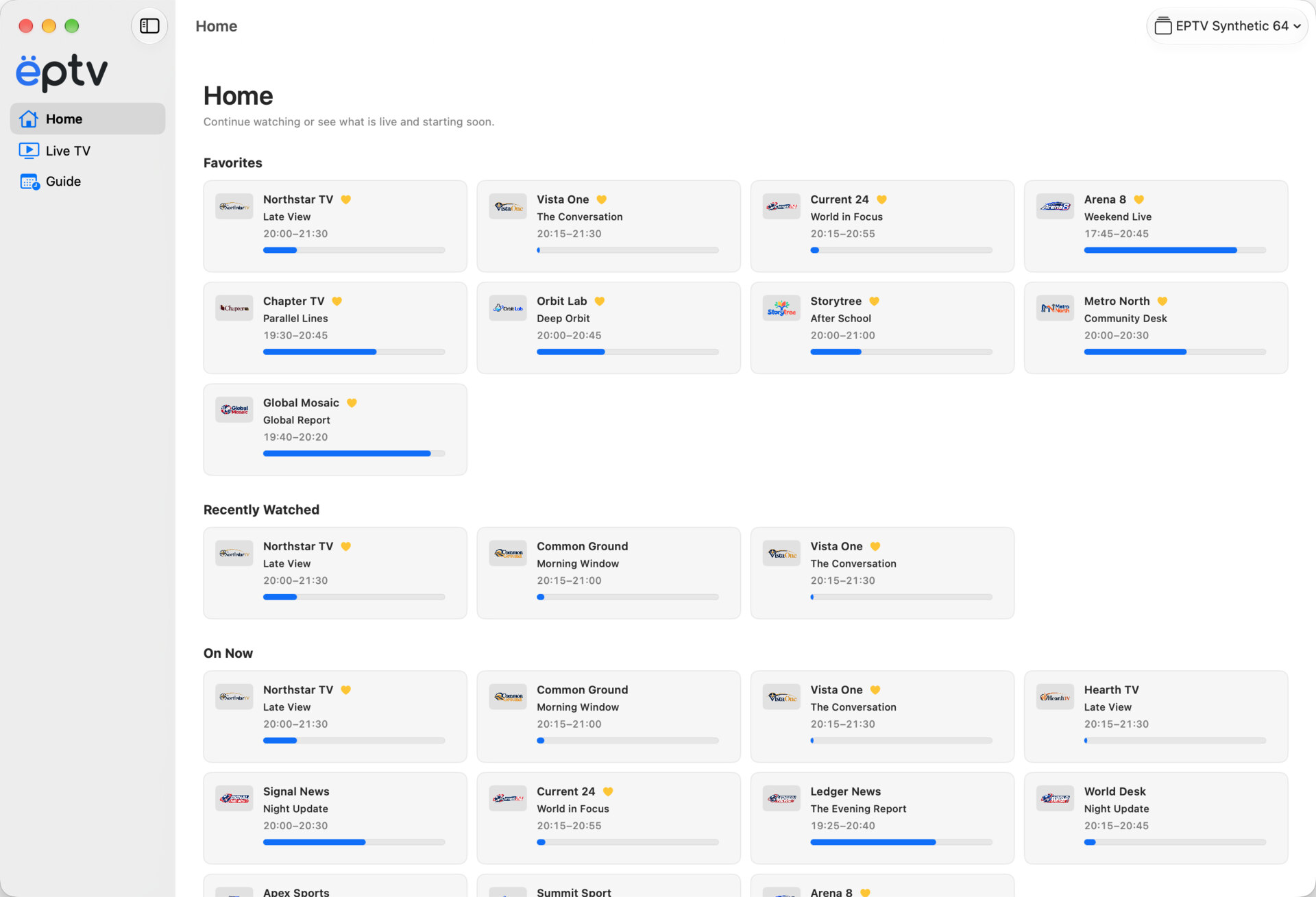
Browse with the keyboard and manage your playlists. Watch in a window, fullscreen, or the Floating Player while you do something else.


Add your IPTV playlist. See what’s on, find a channel, and watch on your Mac or Apple TV.
No public EPTV release is available yet.
Channels and IPTV subscriptions are not included.
Browse with the keyboard and manage your playlists. Watch in a window, fullscreen, or the Floating Player while you do something else.
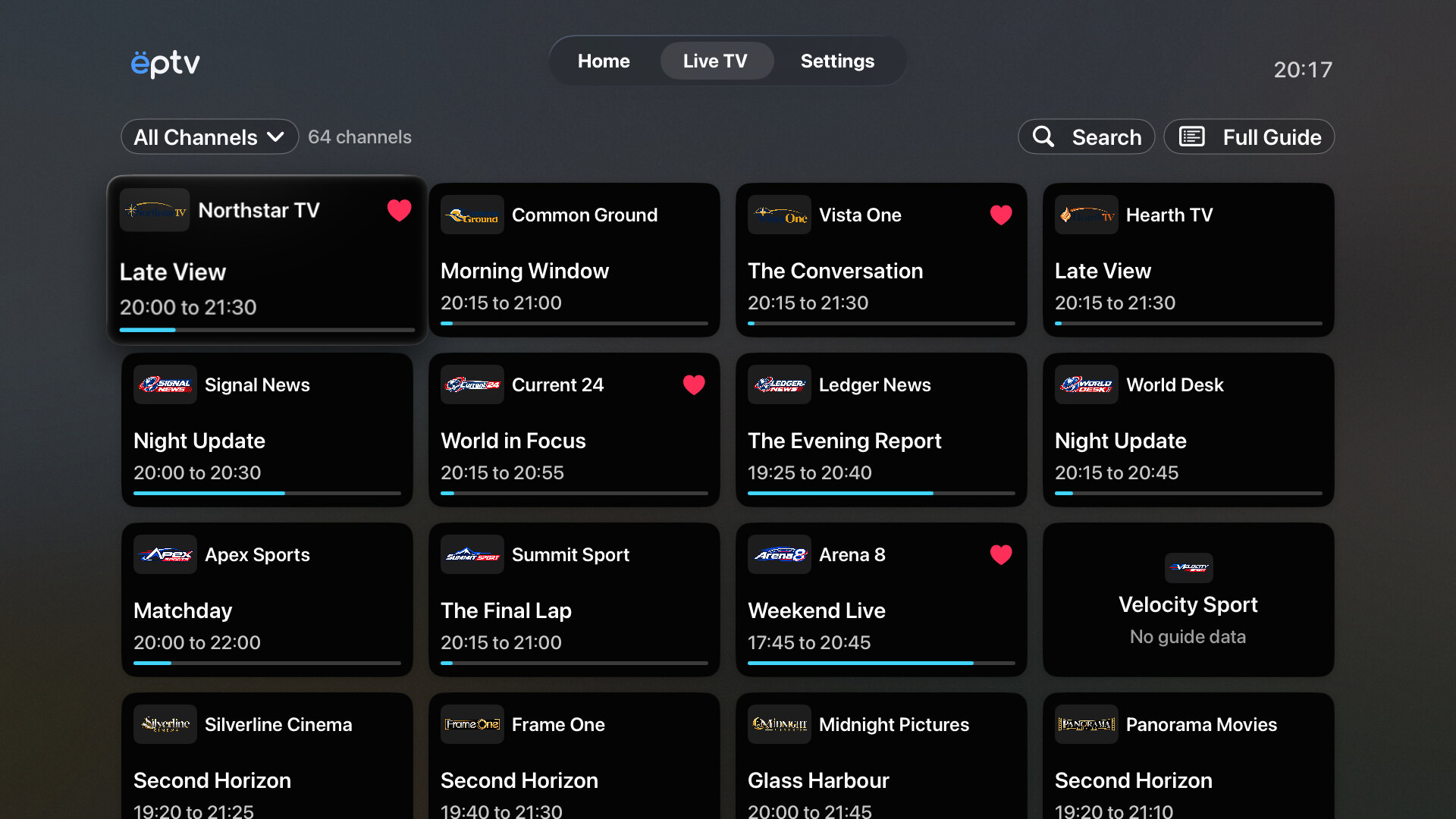
Pick up the Siri Remote, find a programme, and start watching. You can change channels right from the player.
A playlist can have many channels. Seeing what each one is showing makes it easier to decide what to watch. EPTV keeps your channels and their programme information together.
Browse your channels by group. Or open Favorites and Recently Watched to find a familiar one.
See what is playing now and what comes next. Open the Guide when you want to look further ahead.
Change the channel while watching. There is no need to go back to the full channel list.
Have something in mind? Search for a channel or programme. Or open the Guide and see what your channels are showing. EPTV uses the programme information supplied with your setup.
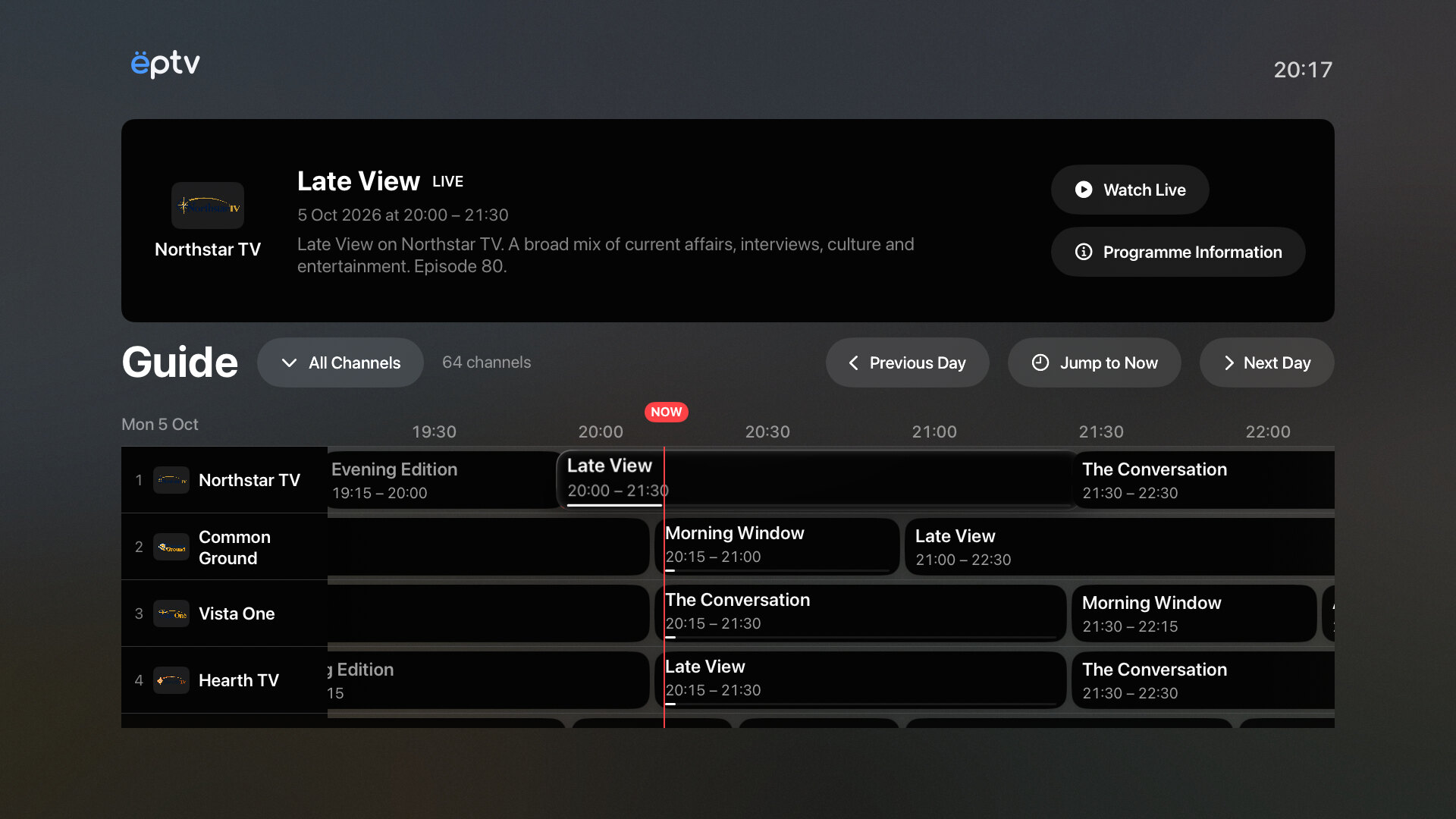
Compare what is on different channels before you decide.
See the channel and its current programme in the same place.
Some providers let you start a programme again or watch one that has already finished. EPTV can use these options when your provider supports them.
Choose Watch from Start in the player to start the current programme from the beginning, when available.
Choose an earlier programme from the Guide and watch it from your provider’s archive, when available. Your provider decides how far back you can go.
Your provider gives you the channels. Add its M3U playlist URL on Mac or Apple TV. On Mac, you can also import a playlist file.
See how EPTV worksNot yet. We are preparing EPTV for release and do not have a public release date.
Mac and Apple TV. Use your keyboard on Mac and the Siri Remote on Apple TV.
No. You need your own IPTV playlist and permission to watch its channels. Your provider can also supply programme-guide data.
No. Your provider must support Start Over or Replay. The programme progress bar shows how far the broadcast has gone; it does not mean you can rewind. EPTV does not record the broadcast.
Take a look at EPTV on Mac or Apple TV.
No public release yet.